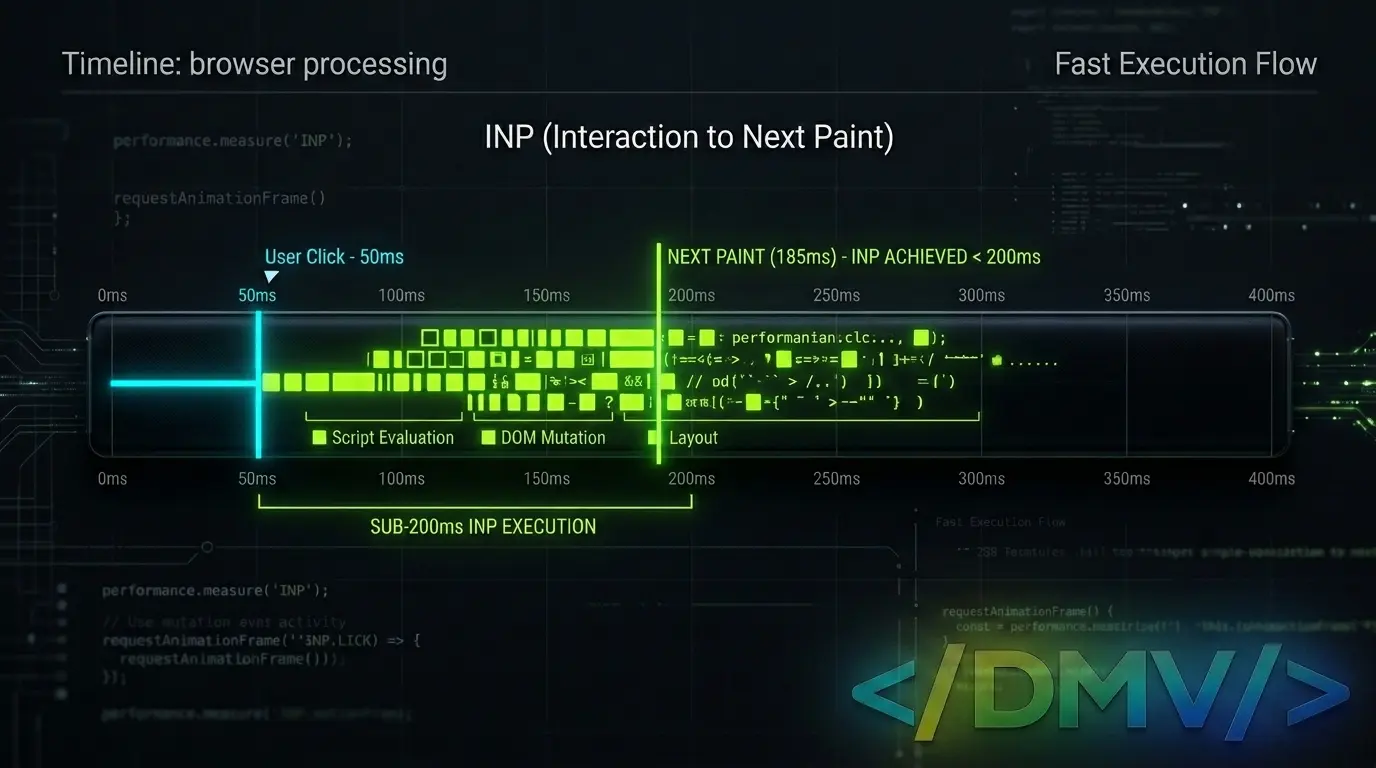
On March 12, 2024, Google officially replaced First Input Delay (FID) with Interaction to Next Paint (INP) as a primary Core Web Vital. WordPress INP optimization is the strategic process of reducing the time it takes for your website to visually respond to user interactions, such as clicks, taps, and keyboard inputs.
Unlike FID, which only measured the initial interaction, INP observes latency throughout the entire lifespan of a user’s visit and reports the longest duration. To pass Google’s new Core Web Vitals standard and successfully execute WordPress INP optimization, site owners must minimize main-thread work, streamline JavaScript execution, and keep their Document Object Model (DOM) extremely lean.
Why Interaction to Next Paint Changes the Game
For years, site owners optimized for FID to ensure the first click felt fast. However, FID had a major blind spot: it only tracked the delay of the very first interaction and ignored the processing and rendering time that followed.
Interaction to Next Paint is a stricter, comprehensive metric. It measures the entire time from when a user initiates an action to the moment the browser paints the visual update on the screen. Because INP tracks all interactions across the full page lifecycle, a single heavy script firing deep into a user’s session can ruin your score. Effective WordPress INP optimization requires looking beyond the initial page load.
The Execution: Mastering WordPress INP Optimization
Achieving a passing INP score on WordPress requires a direct focus on how the browser processes code. When the browser’s main thread is busy executing heavy scripts or rendering massive page layouts, it cannot respond to user inputs, causing noticeable lag.
Here is how to clear the main thread and execute successful WordPress INP optimization.
Minimize Main-Thread Work
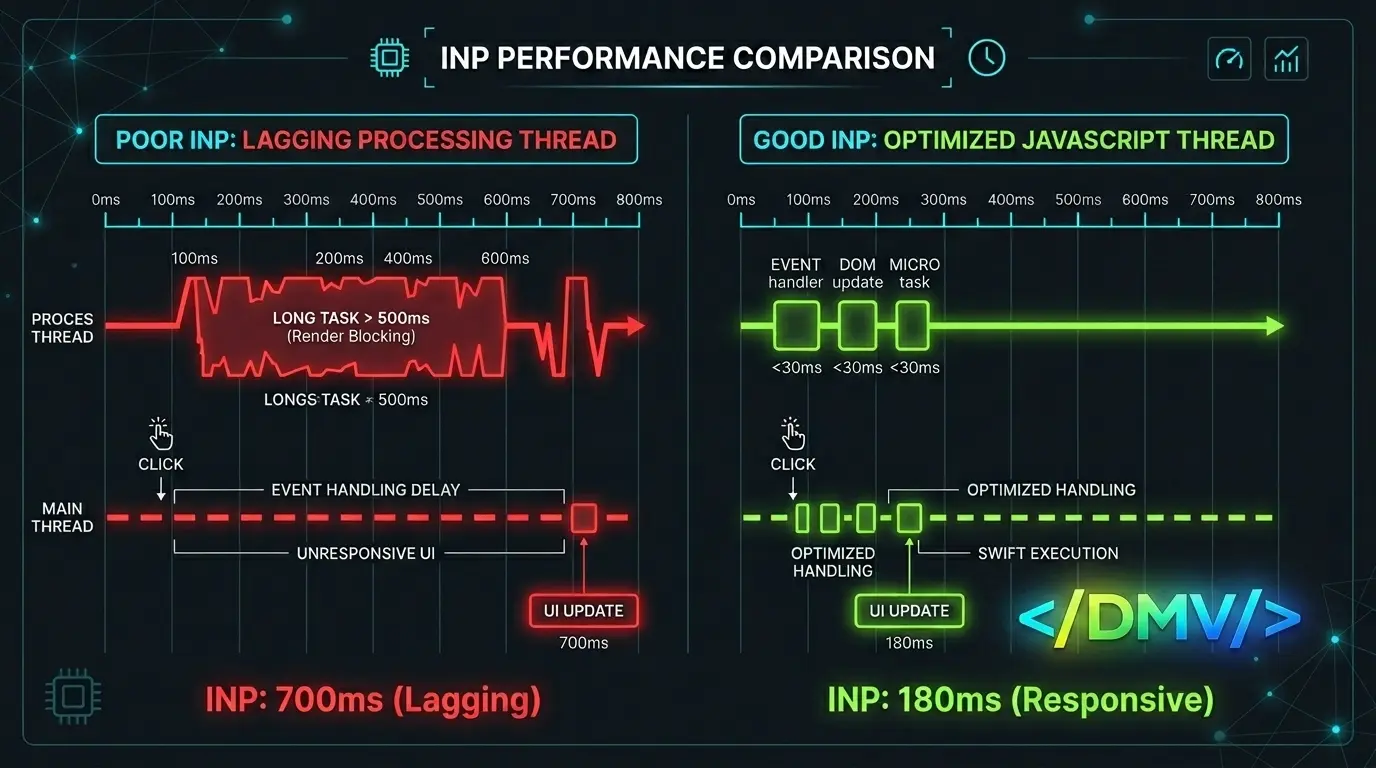
The main thread handles the work required to display your webpage, including parsing HTML, building the DOM, executing JavaScript, and processing CSS. When long tasks monopolize the main thread for more than 50 milliseconds, the page becomes unresponsive.
To clear the main thread, audit your WordPress environment for resource-heavy plugins. Remove tools that load assets globally rather than conditionally. Offload complex tracking scripts to a server-side container, and ensure your hosting provides rapid server response times so the browser can begin processing assets immediately.
Delay JavaScript on User Interaction
JavaScript is the most common bottleneck when doing WordPress INP optimization. When heavy scripts load and execute simultaneously, they block the browser from painting visual updates.
Change how JavaScript is delivered:
-
Defer non-critical scripts: Use the
deferattribute so scripts download in the background but do not execute until the HTML parsing is complete. -
Delay execution until interaction: Utilize performance plugins to hold off loading third-party scripts (like chatbots, ads, or analytics) until the user scrolls, clicks, or moves their mouse.
-
Remove unused JavaScript: Disable plugin scripts from loading on pages where their functionality is not needed.
Minify Scripts
Large file sizes take longer for the browser to download, parse, and compile. Minification strips out unnecessary characters from your JavaScript and CSS files—such as whitespace, comments, and line breaks—without altering the functionality of the code. By delivering lighter files, the browser finishes processing code faster, freeing up the main thread for user inputs.
Avoid Excessive DOM Sizes
The Document Object Model (DOM) is the structure of your webpage. Every HTML element is a node in the DOM. When a page has an excessively large DOM, the browser takes longer to calculate the layout and render updates every time a user interacts with the page. Proper WordPress INP optimization requires addressing this bloat.
To optimize your DOM size:
-
Keep your total DOM elements under 1,500 nodes per page.
-
Avoid nesting elements deeper than 32 levels.
-
Use native Gutenberg blocks or lightweight page builders that output clean, flat HTML.
-
Implement pagination or infinite scroll for long lists of posts or products.
Frequently Asked Questions
What is a good INP score?
An INP below or at 200 milliseconds means a page has good responsiveness. An INP between 200 and 500 milliseconds indicates that the site needs improvement. An INP above 500 milliseconds indicates poor responsiveness.
Why did Google replace FID with INP?
First Input Delay only measured the processing delay of the initial interaction. INP provides a more accurate reflection of real user experience by measuring the total latency (delay, processing, and rendering) of all interactions throughout the entire time a user is on the page.
How do WordPress plugins affect INP?
Plugins often add custom JavaScript and CSS to the front end of your website. If a plugin loads bulky scripts globally or executes long tasks on the main thread, it will delay the browser's ability to respond to user clicks, resulting in a poor INP score.
What is the difference between INP and TTFB?
Time to First Byte (TTFB) measures how quickly the server responds with the initial HTML document. Interaction to Next Paint (INP) measures how quickly the browser visually responds to a user's click or tap after the page has loaded.
Does WordPress INP optimization affect my search rankings?
Yes. INP is an official Core Web Vital. Google uses Core Web Vitals as a ranking factor in its search algorithm, meaning sites with passing INP scores may receive a slight ranking boost over competitors with failing scores.
Next Steps for Core Web Vitals Success
The shift to Interaction to Next Paint means that passing Core Web Vitals requires a deep understanding of front-end performance. Fast hosting and basic caching are no longer enough. To protect your SEO rankings, audit your site using Google PageSpeed Insights, identify the interactions causing high latency, and begin your WordPress INP optimization process today.
